
Offline access
Free includes unlimited local Standard Neurons and nodes, plus one Secure Neuron. Write notes and organize projects offline, without an account.
 U.S. open beta · Windows & Android
NEURAL NOTES / A PEARABYTE APP
Keep text, checklists, code, and files together, then connect related notes on a visual graph. Work offline, with optional sync across devices.
Local-first. No account required for offline use.
Available in the U.S. through the Microsoft Store and Google Play open testing.

FEATURES
Free includes unlimited local Standard Neurons and nodes, plus one Secure Neuron. Write notes and organize projects offline, without an account.
Add text, checklists, code, and files to a node, then connect it to related notes on the graph.
Pro adds unlimited Secure Neurons, cloud sync and shared Neurons. Sending and receiving shared Neurons requires Pro for both people and eligible 13+ accounts. Secure Neurons encrypt content on your devices.
EXAMPLE WORKSPACES
Plan a launch, map a trip, or organize a redesign. Keep standalone thoughts in Notes.
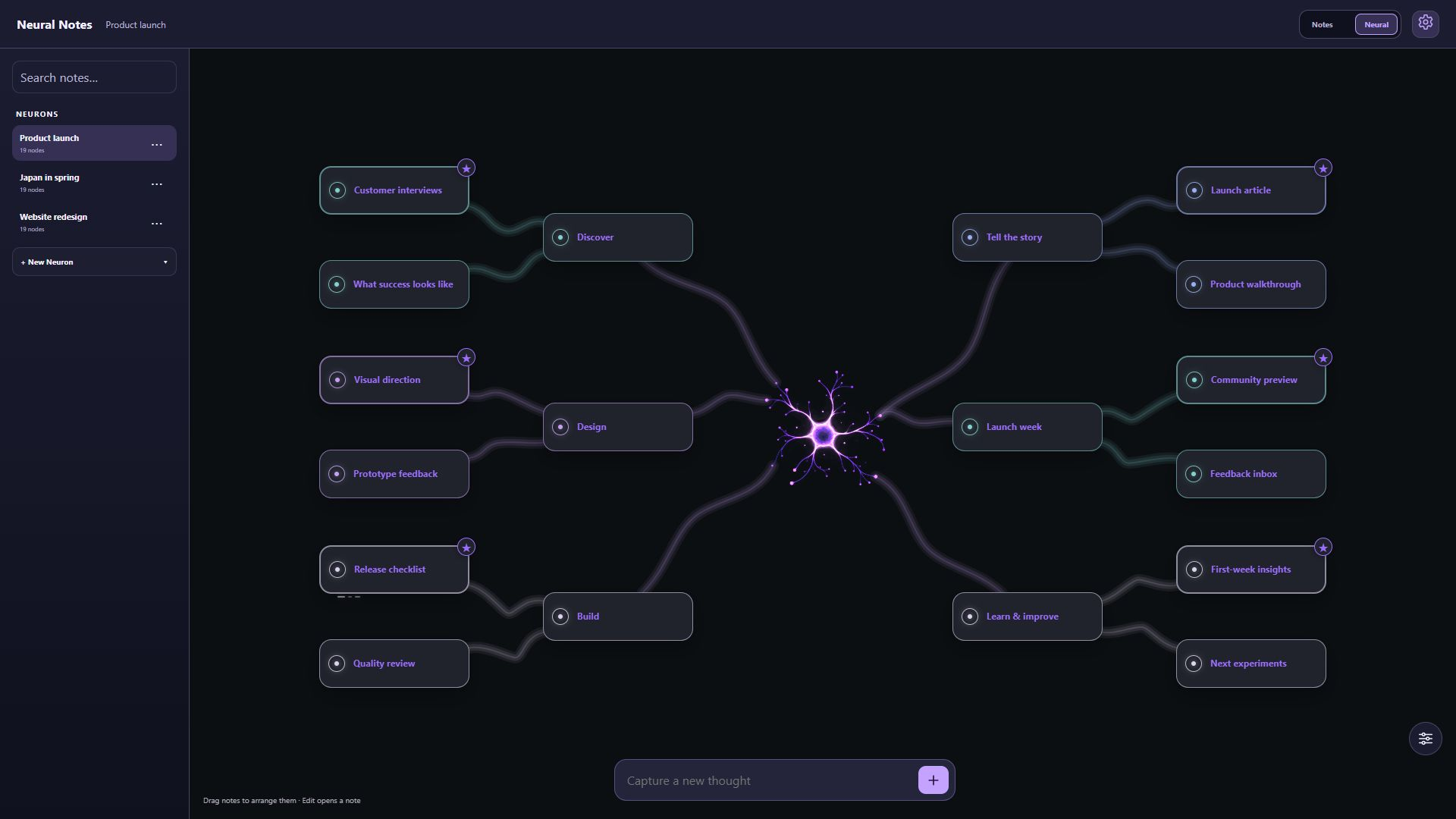
Keep research, design, release tasks, and follow-up ideas connected.
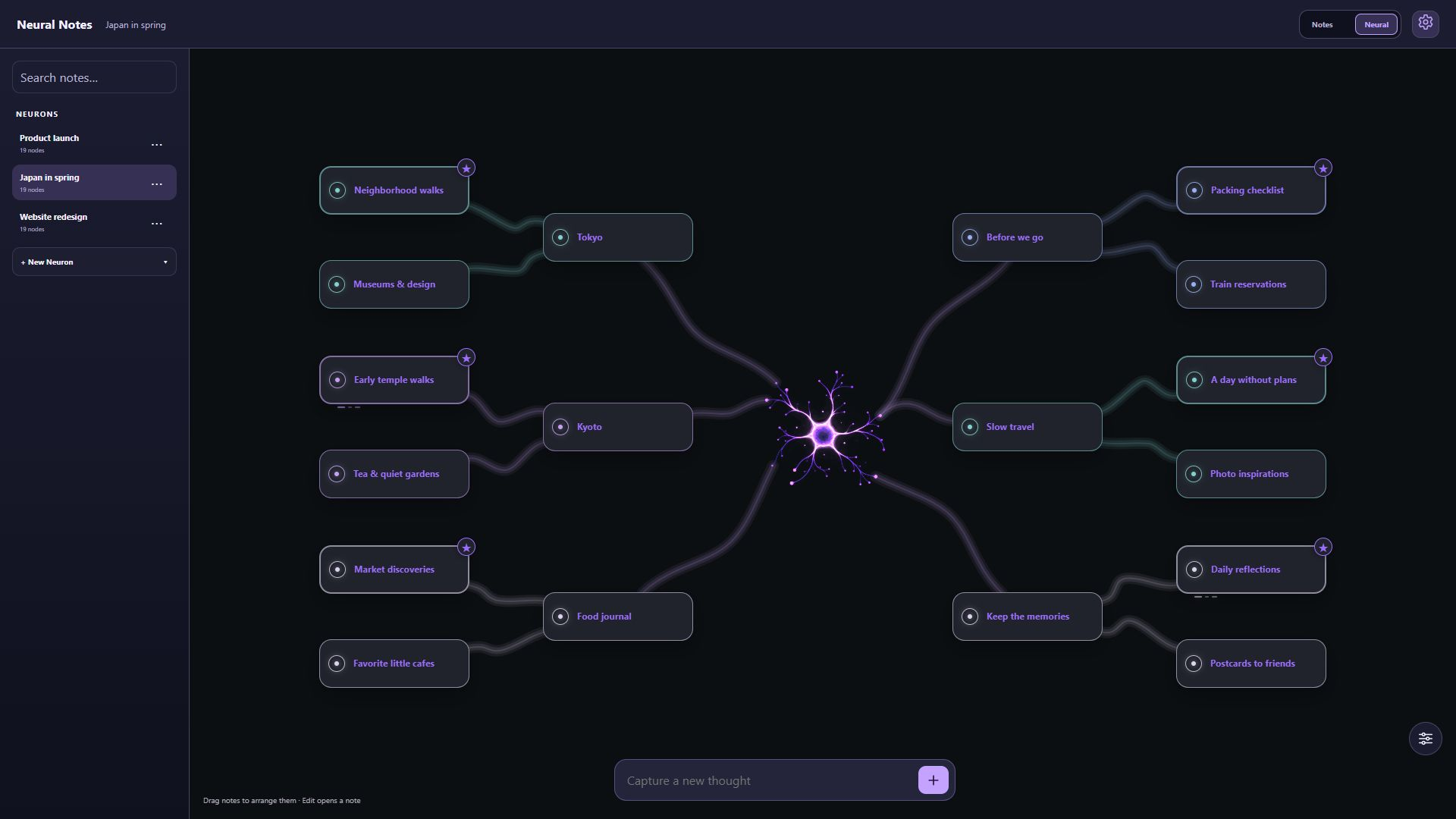
Bring places to visit, travel plans, and things to remember into one graph.
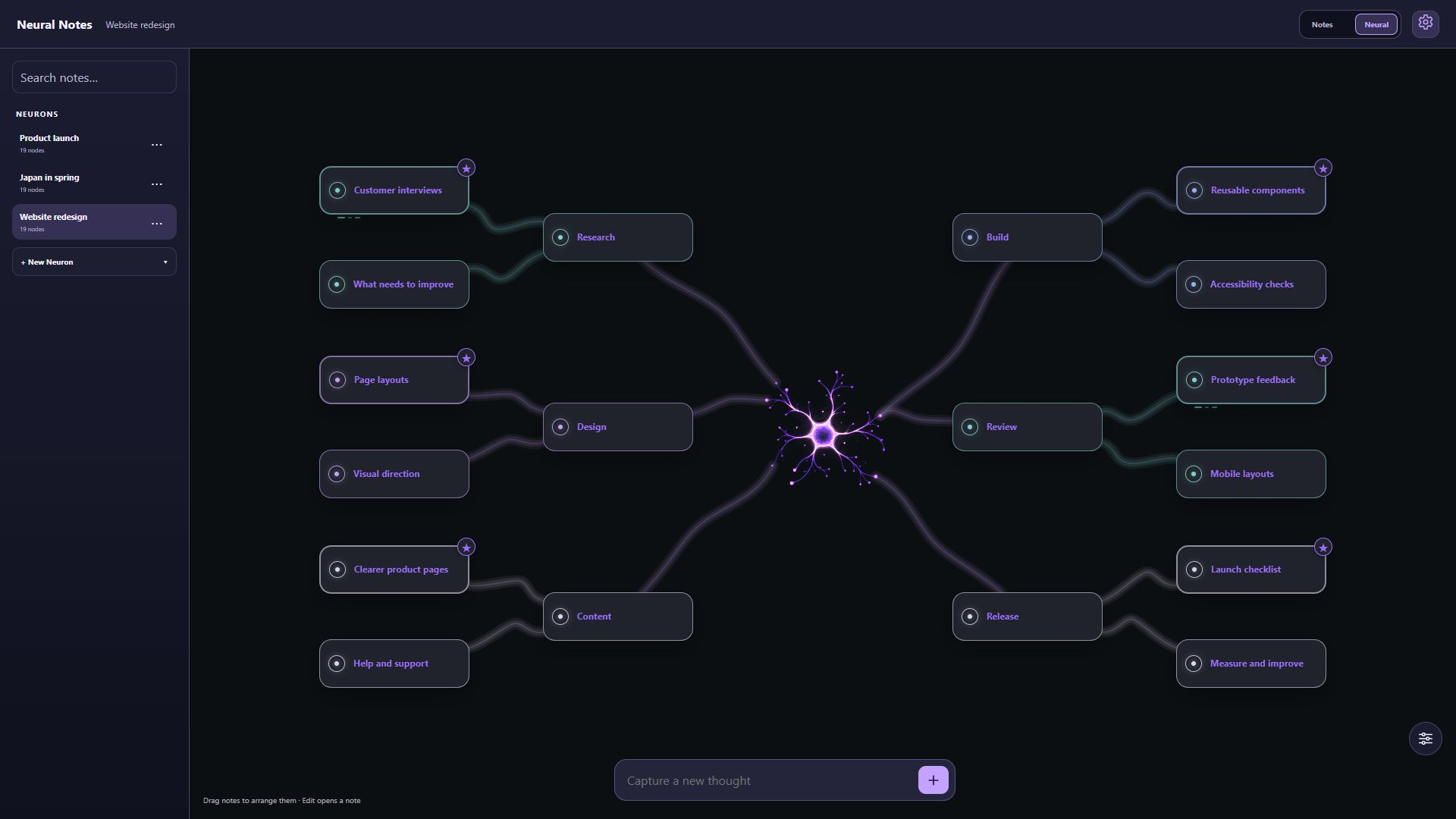
See how research, page ideas, content, and review notes fit together.
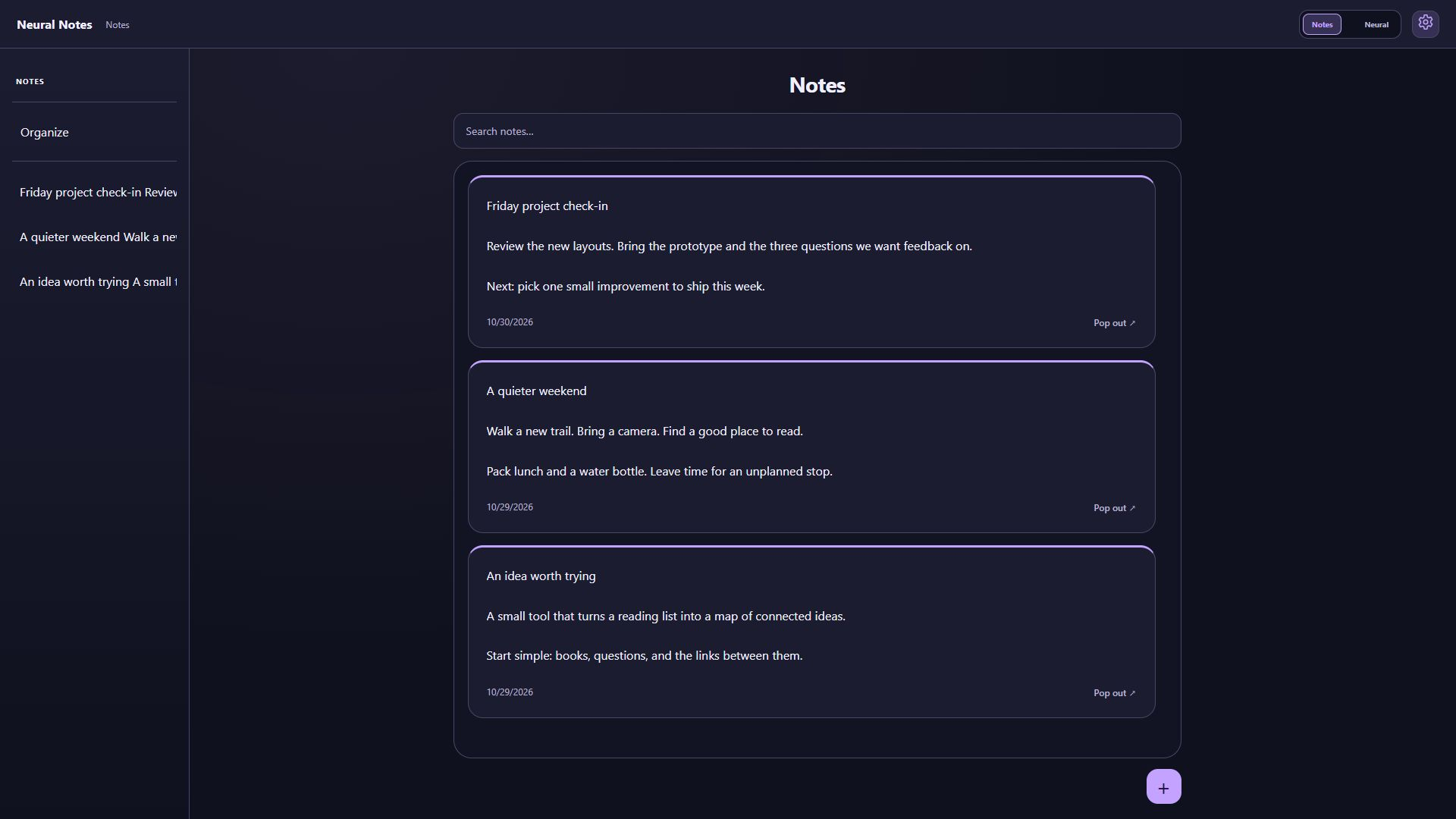
Keep project check-ins, weekend plans, and new ideas in the Notes view.
Desktop interface with example content. Select an image to view it full size.
THE GRAPH IN MOTION
See how animated connections and canvas themes look in the app.
Silent recording from an Android test build with sample local content. Press play to view the graph's animated paths.
FREE & PRO
Start locally for free. Pro adds account-based sync, sharing, and more Secure Neurons.
| Feature | Free | Pro |
|---|---|---|
| Local notes and visual graphs | Unlimited | Unlimited |
| Text, checklists, code, and attachments | Included | Included |
| Offline use without an account | Included | Included |
| Secure Neurons | One | Unlimited |
| Automatic cloud sync | Not included | Across supported devices |
| Owner cloud storage | Not included | Up to 1 GiB for notes and files |
| Shared Neurons | Not included | Included for eligible Pro accounts |
| Canvas themes | Default included; other themes sold separately | One theme to keep after your first successful subscription payment |
Sending and receiving shared Neurons requires Pro for both people and eligible 13+ accounts. Attachments are limited to 5 MiB each and eight per node. Purchased themes remain available without an active Pro subscription.

PROJECT ORGANIZATION
A Neuron is a space for one project's notes and connections. Use the overview to move between projects.
The U.S. open beta is available for Windows and Android.
Join Android betaAPPEARANCE
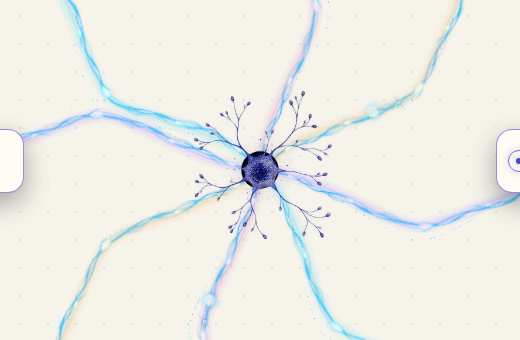
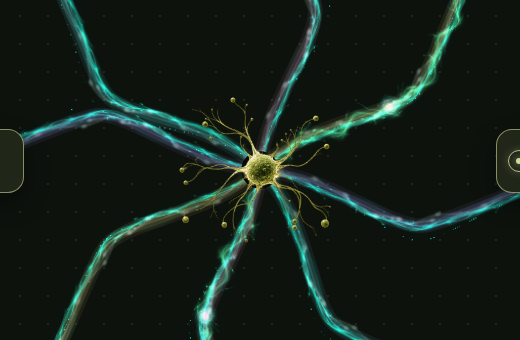
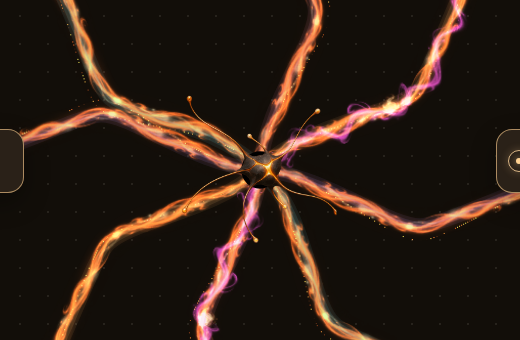
Choose a theme for your graph's artwork, colors, and animated connections.
Optional theme purchases support continued development of Neural Notes. Choose a look you enjoy; the core local note-taking features stay free.
Warm ivory, clear graphite and indigo accents.
Moss, sage and warm organic surfaces.
Copper connections and amber on warm graphite.
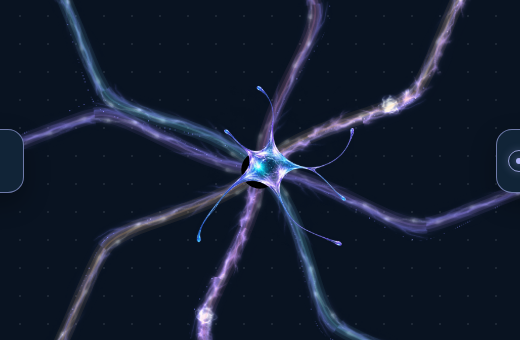
Ice-blue surfaces and luminous cyan connections.
Canvas previews from the app with fictional sample content.
Explore themes →COMMON QUESTIONS
No. Local notes, graphs, and the included Secure Neuron work without an account. Optional cloud sync and sharing require an eligible Pro account.
Yes. Notes are stored on your device. Eligible account changes sync when you are connected. Keep independent exports and Secure recovery credentials for data you need to preserve.
No. Themes are optional purchases. Pro includes one theme to keep after your first successful subscription payment. Purchased themes remain available without an active subscription.
Local note-taking remains available. Cloud and other Pro-only access depend on your remaining entitlement. Your separately owned themes stay with your account. See the terms for subscription and retention details.
ACCOUNT
Use your PearaByte account to manage Neural Notes, subscriptions, and account settings.
 CANVAS PREVIEW
 CANVAS PREVIEW
 CANVAS PREVIEW
 CANVAS PREVIEW